1. Check the part at receiving
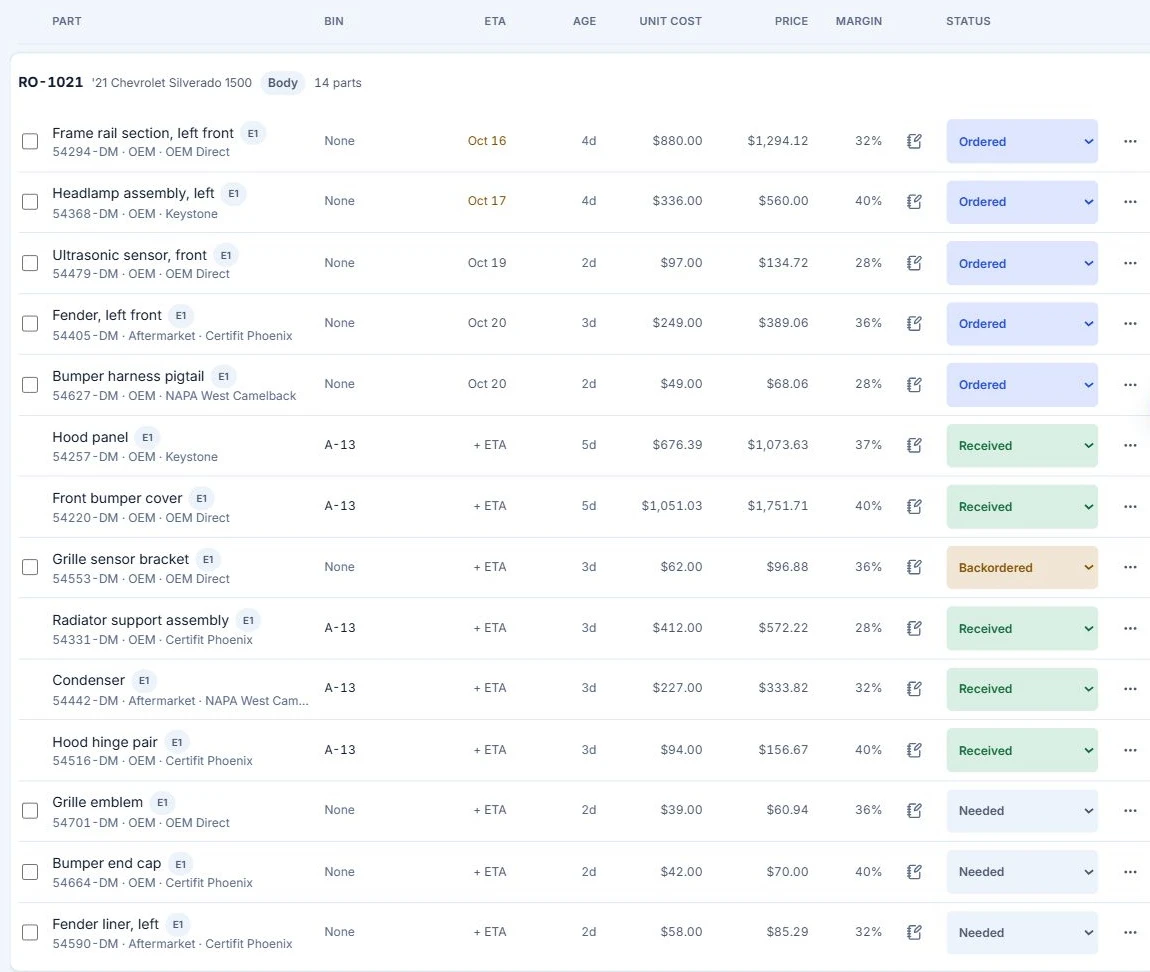
The purchase order calls for a left lamp. The box contains a right lamp and the supplier billed $312. Ask the receiver to look up the repair number, compare the part with the order, and record the discrepancy before anyone marks the repair ready.
2. Keep the returned lamp visible
For this exercise the supplier collects the wrong lamp on Friday. Record RA-064 and the expected $300 credit. The parts lead should be able to hand the open return to the bookkeeper before Monday’s credit memo arrives. Give the $340 replacement lamp a separate receiving line.
3. Match the invoice to the return
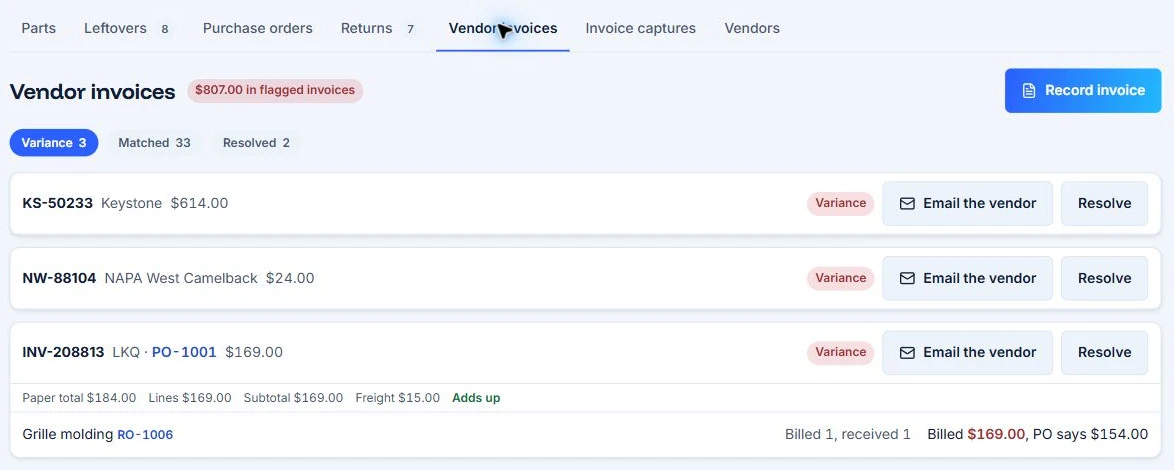
Have the bookkeeper locate INV-801 and identify its repair order and purchase order. AutoHound publishes a vendor invoice screen showing flagged lines. In the demo, ask the presenter to move from the invoice exception to the return and show where the expected credit is recorded.
4. Reconcile Monday’s credit
Apply CM-119 for $300 to the $312 invoice. The remaining $12 is the agreed restocking charge. Add the $340 replacement and the net parts cost is $352 before tax. Ask the bookkeeper to show that the credit has cleared, the charge remains on RO 0528 and the correct lamp is still recorded at $340.
What should the buyer record?
Write down the view the parts lead used to find the return and the reference the bookkeeper used to clear it. The product screens above are vendor examples. The invoice numbers and worked balances belong to the Fieldbook exercise.
Open the five sample records · Use the online worksheet
AutoHound parts and purchase orders · AutoHound return and credit features